Only job emails
The script searches for application emails from job sites and hiring tools. Nothing else leaves your inbox, and you can read every line of it.
Apply on LinkedIn or Indeed like you always do. Mission Control reads the confirmation in your Gmail, logs the job in your pipeline and reminds you to follow up a week later.
Free · No credit card · Set up in five minutes
Built by Zahid Rahman to track his own 150+ applications. Read the story →A 30-second walkthrough of the real app. It plays on its own: pause it any time, or jump straight to a step.
Click Apply like you always do. The confirmation lands in your Gmail, and Mission Control reads it within about five minutes. You don’t type a thing.
Name, email and a password. Thirty seconds, no credit card, nothing to install.
A five-minute setup on a computer: copy a small private script into your own Google account. Settings walks you through it.
From then on, every LinkedIn and Indeed application tracks itself, with a reminder to follow up. Works on your phone too.
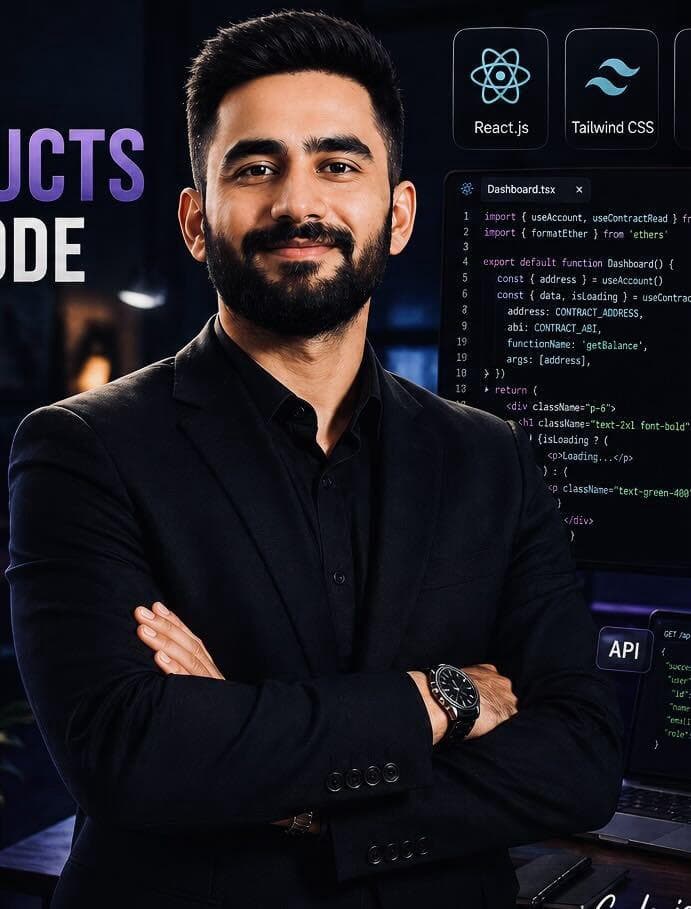
Who replied? Who did I forget to follow up with? Which ones were still waiting? My spreadsheet couldn’t keep up, so I built Mission Control to track it for me, straight from my Gmail. Now it’s free for everyone looking for work.
The script searches for application emails from job sites and hiring tools. Nothing else leaves your inbox, and you can read every line of it.
You approve access on Google’s own screen, and you can revoke it any time from your Google account.
Export everything as CSV or JSON whenever you like. Delete your account and every record goes with it.
Yes. No ads, no paid plan, and your data is never sold. I built it for my own job search and opened it up.
No. The script searches Gmail for job emails only (confirmations from LinkedIn, Indeed and hiring tools, and replies about applications). Raw emails are deleted from our side after 30 days.
Because the script is yours: it runs in your own Google account, not as a published app. Google shows that warning for every personal script. Choose Advanced, then continue.
Yes, the whole app works on your phone. The one-time Gmail setup needs a computer, then everything updates on its own.
They’re next. Those emails are already saved for 30 days, so they’ll be picked up as soon as support ships. You can always add any application by hand.
Me, Zahid Rahman, a software engineer in Islamabad. I built Mission Control during my own job search and use it every day. Message me on LinkedIn with any question or idea.
Export everything as CSV or JSON from Settings, then delete your account in one step. Every application, contact and captured email goes with it.
Create your account, connect Gmail once, and your next application tracks itself.